For Dark Label clients and alumni
The workspace for Dark Label producers.
Find artists, run the deals and calls, deliver through your own client portal and get paid on your own Stripe. Included with your membership.
1,000+producers have hired Dark Label20+countries our producers work from17,000+producers read The Producer Files
Find artists
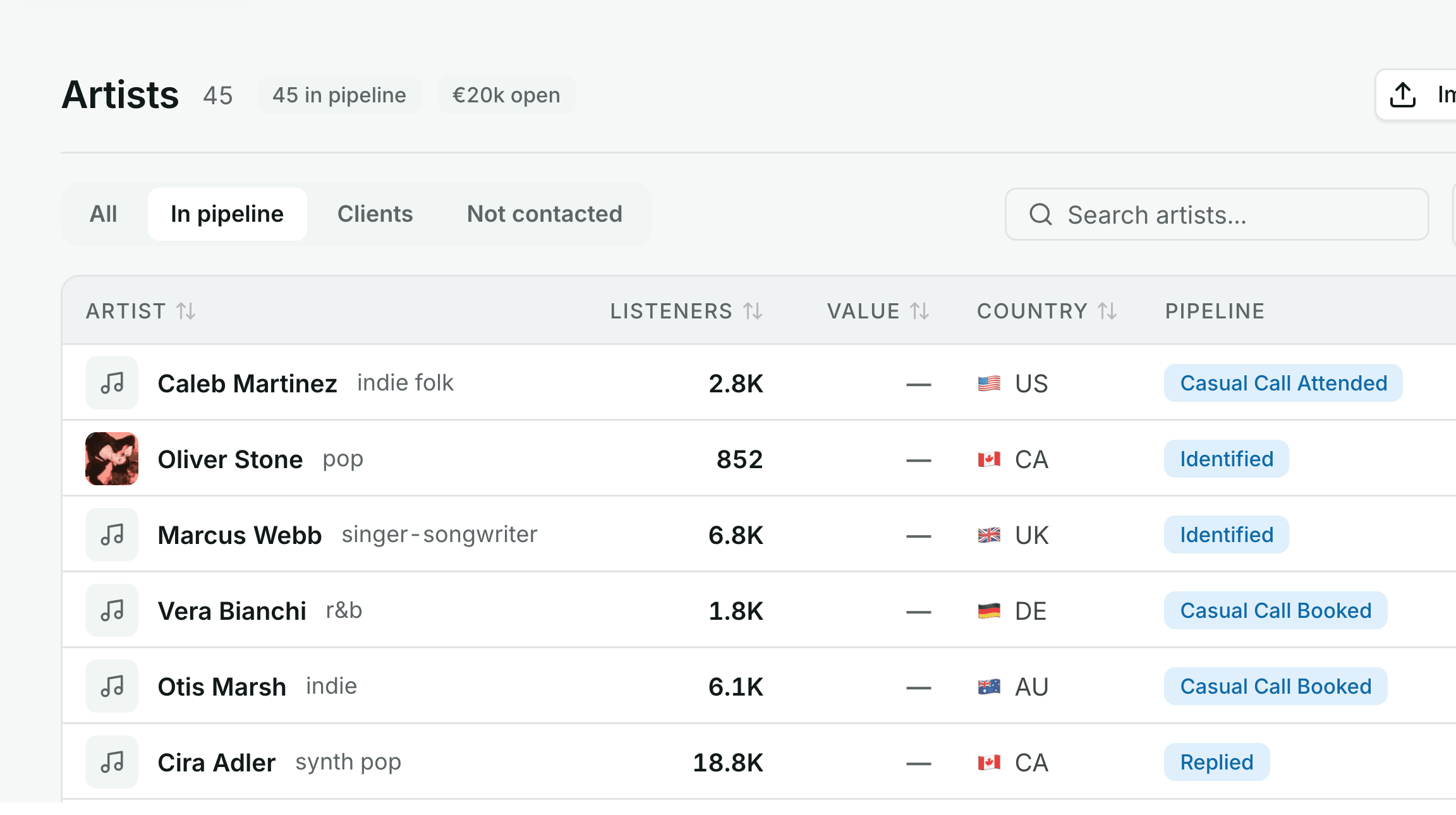
Find artists you want to work with
Search by genre, country and listener range, import a Spotify playlist, or start from a client you have already worked with. Every result carries a fit score.
- Fit score
- ranked against the listener range you target
- Similar artists
- keep walking from one name when your range runs thin
- Inbound forms
- submissions arrive scored and enriched
Recreated from the live product. Run this search in the demo
Pipeline
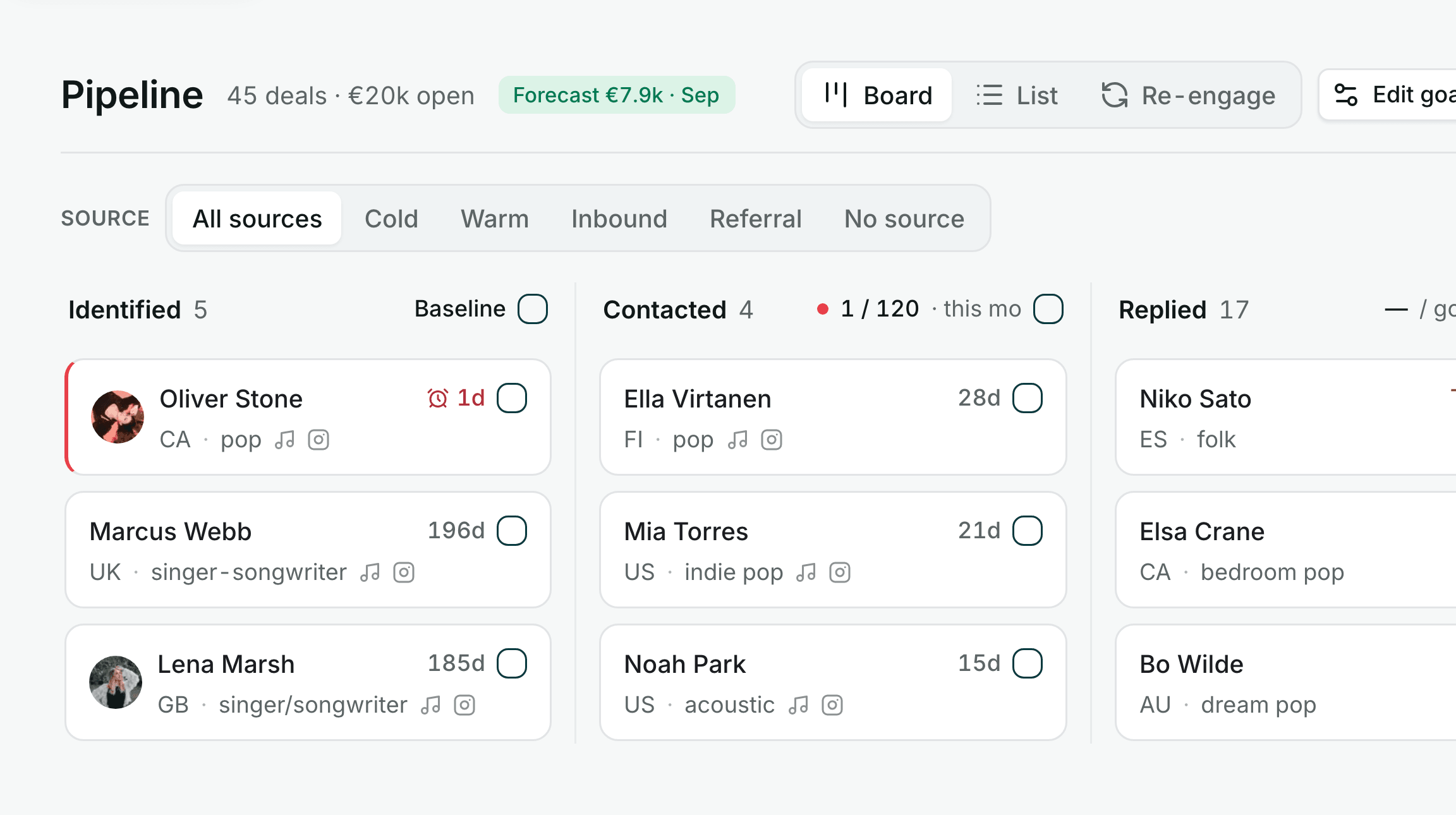
Every deal has a stage and a next move
The board shows each stage's conversion against your goal. Follow-ups carry due dates, and the forecast is weighted by stage so you can plan the month.
- One log sheet
- for calls, DMs and email
- Follow-ups
- resurface on the day they are due
- Forecast
- weighted by stage, planned by month
Calls
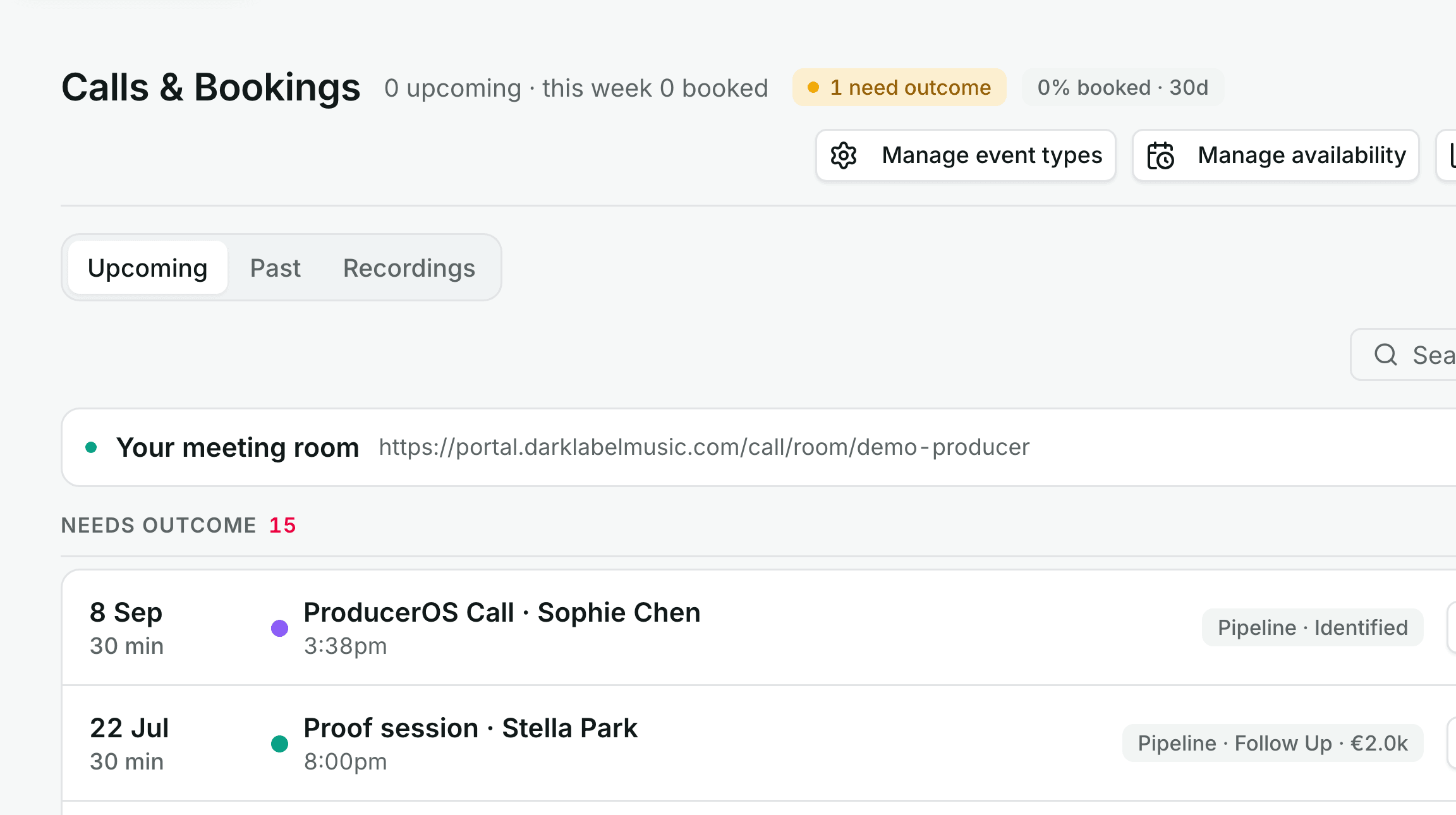
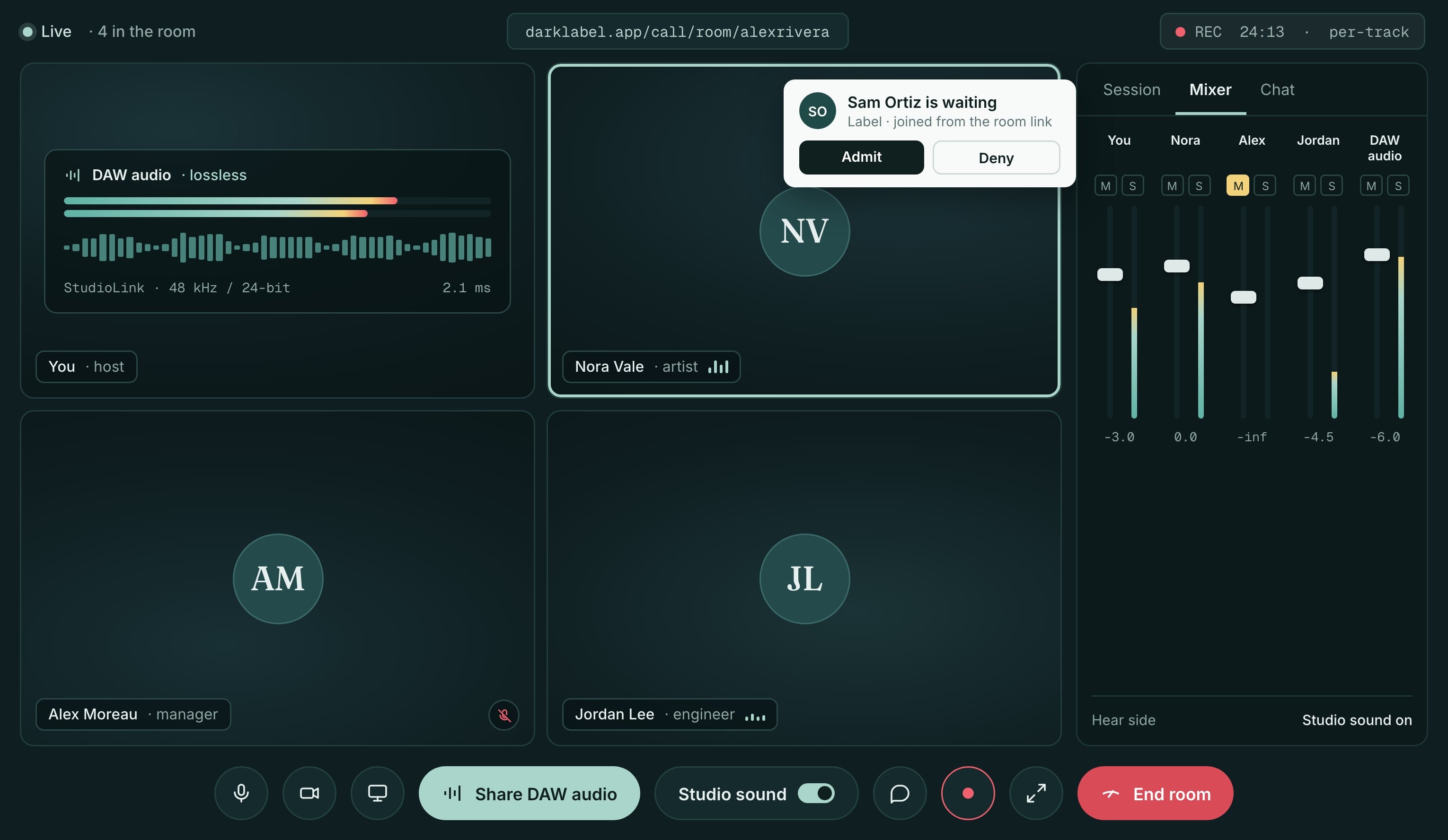
Your own booking page and call room
Studio Stream
Projects and portal
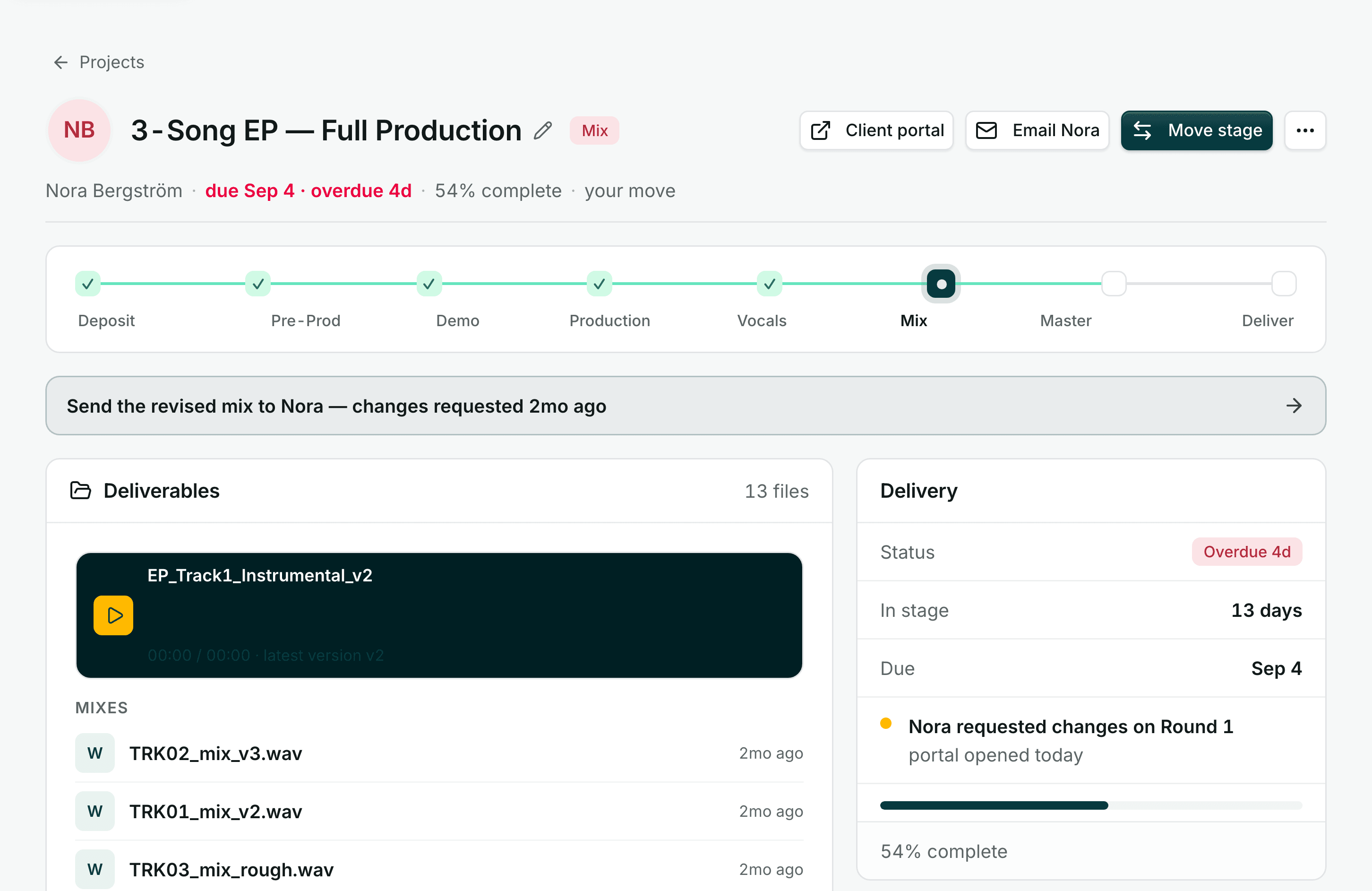
Projects run from deposit to delivery
A won deal becomes a project with stages, deliverables and a view of whose move it is. One link hands the client their own page for the files, the review and the invoice.
- Deposit to delivery
- stages, deliverables and due dates
- One portal link
- no account for the client to make
- Your own Stripe
- payments go straight to your account
Catalogue
Show clients your work, one private page at a time
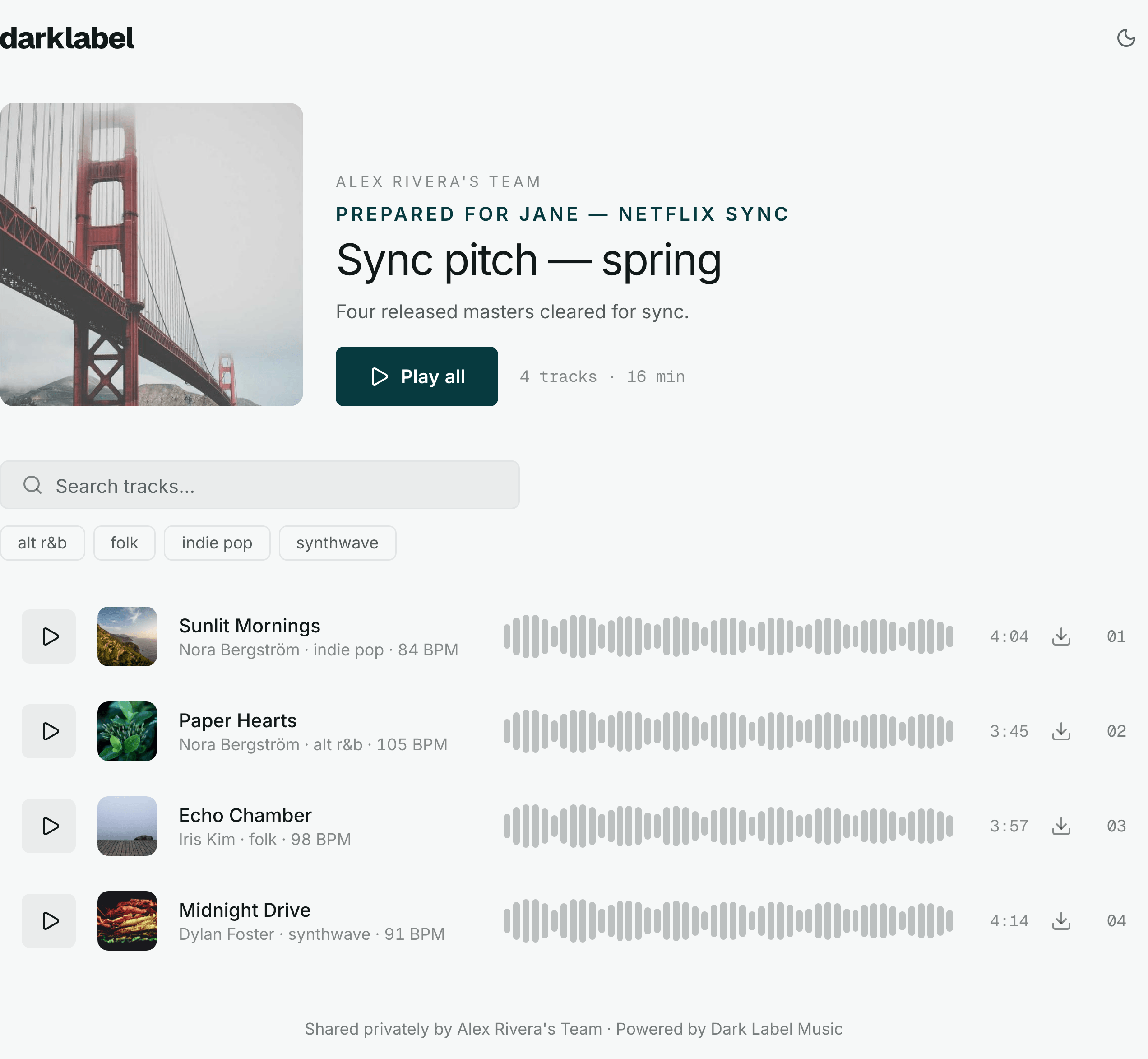
Show a prospect or a client the work that fits them. Upload masters in bulk, group tracks into a private listening page for each recipient, and see every open, play and full listen.
- Drop in bulk
- waveform and MP3 preview made for every master
- A page per recipient
- private, sequenced, sent as a link
- Who listened
- opens and plays reported per link
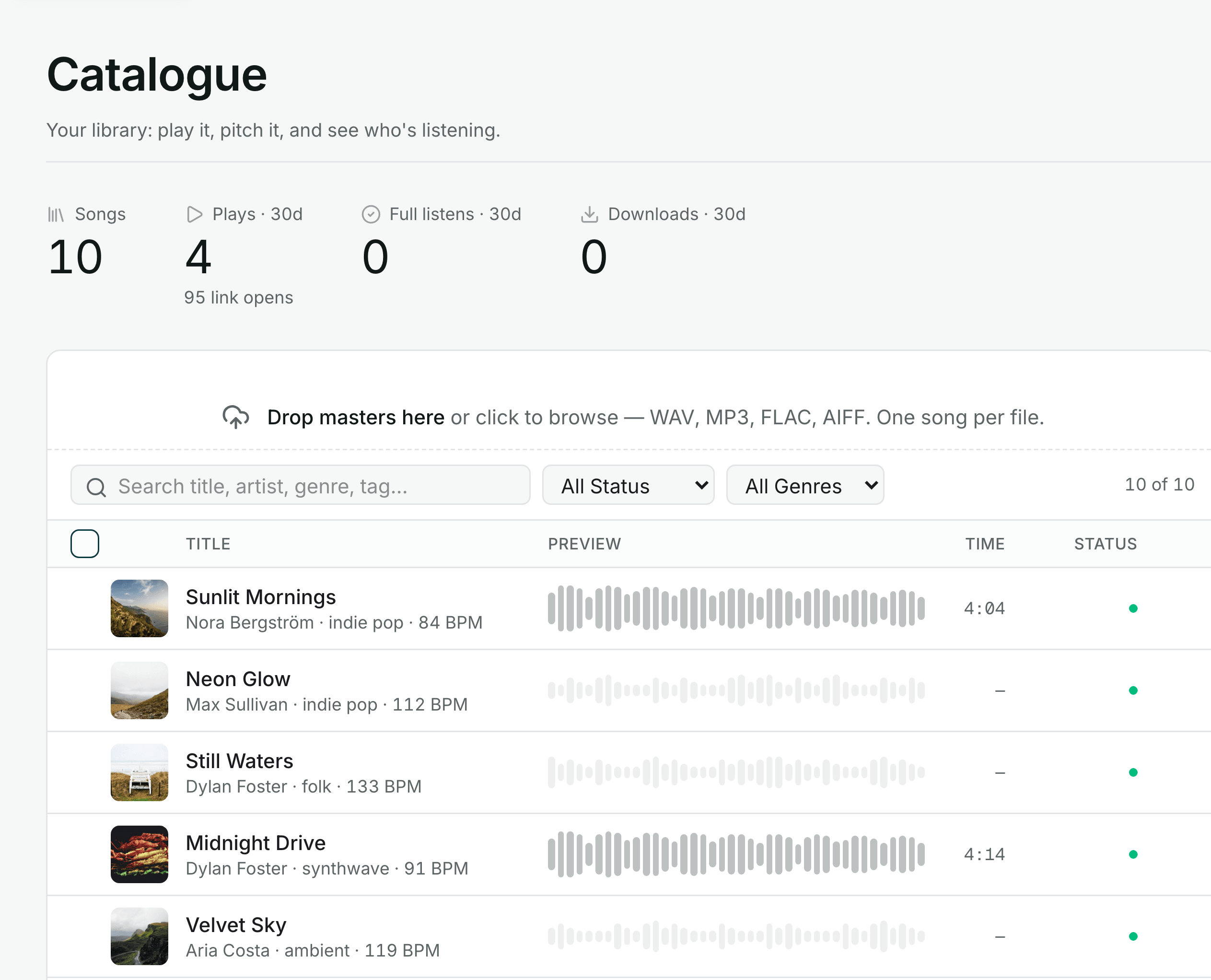
Your library, in the workspace: drop masters in, and every one of them is ready to group into a listening page for one recipient.
Planner and metrics
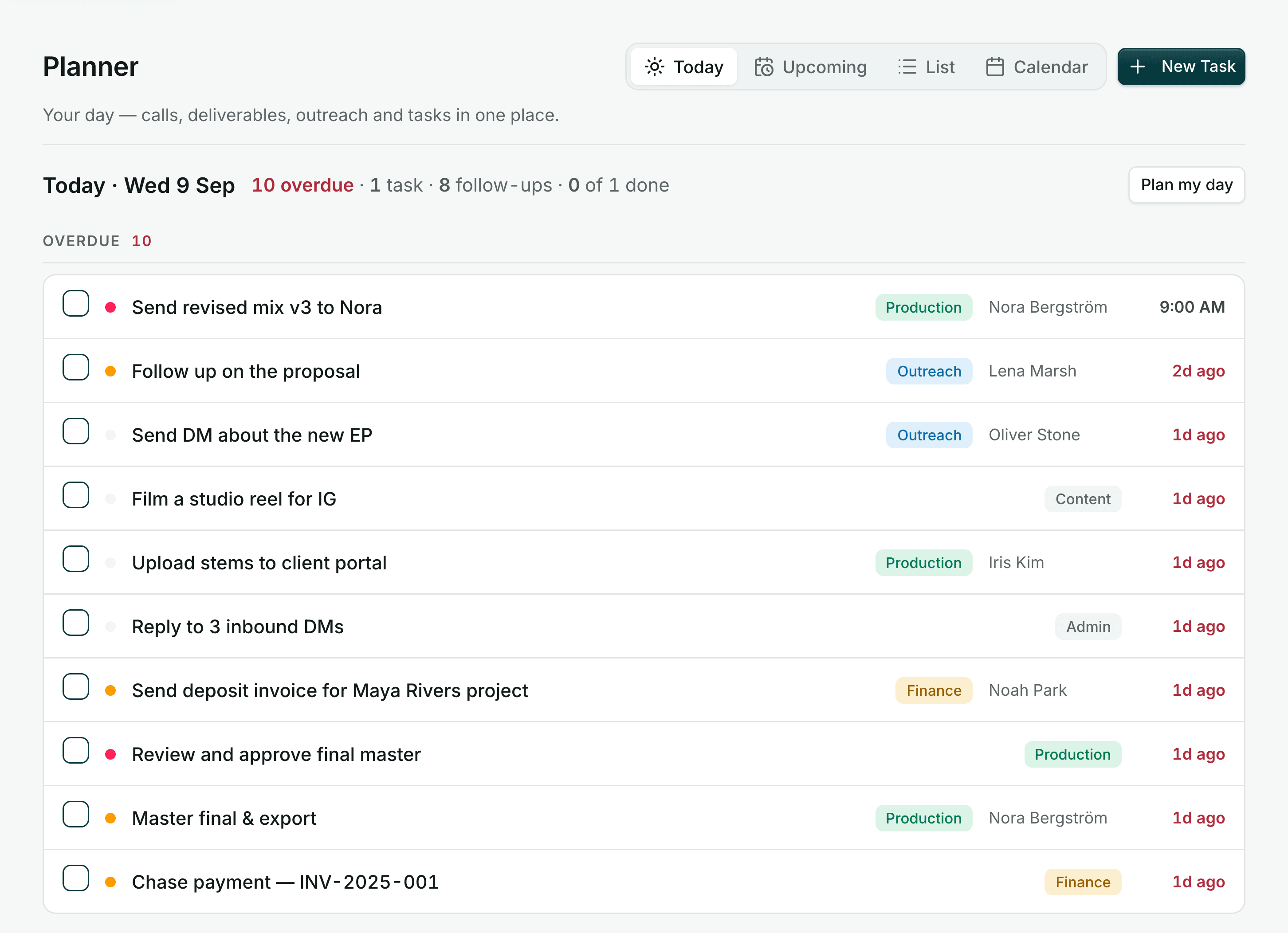
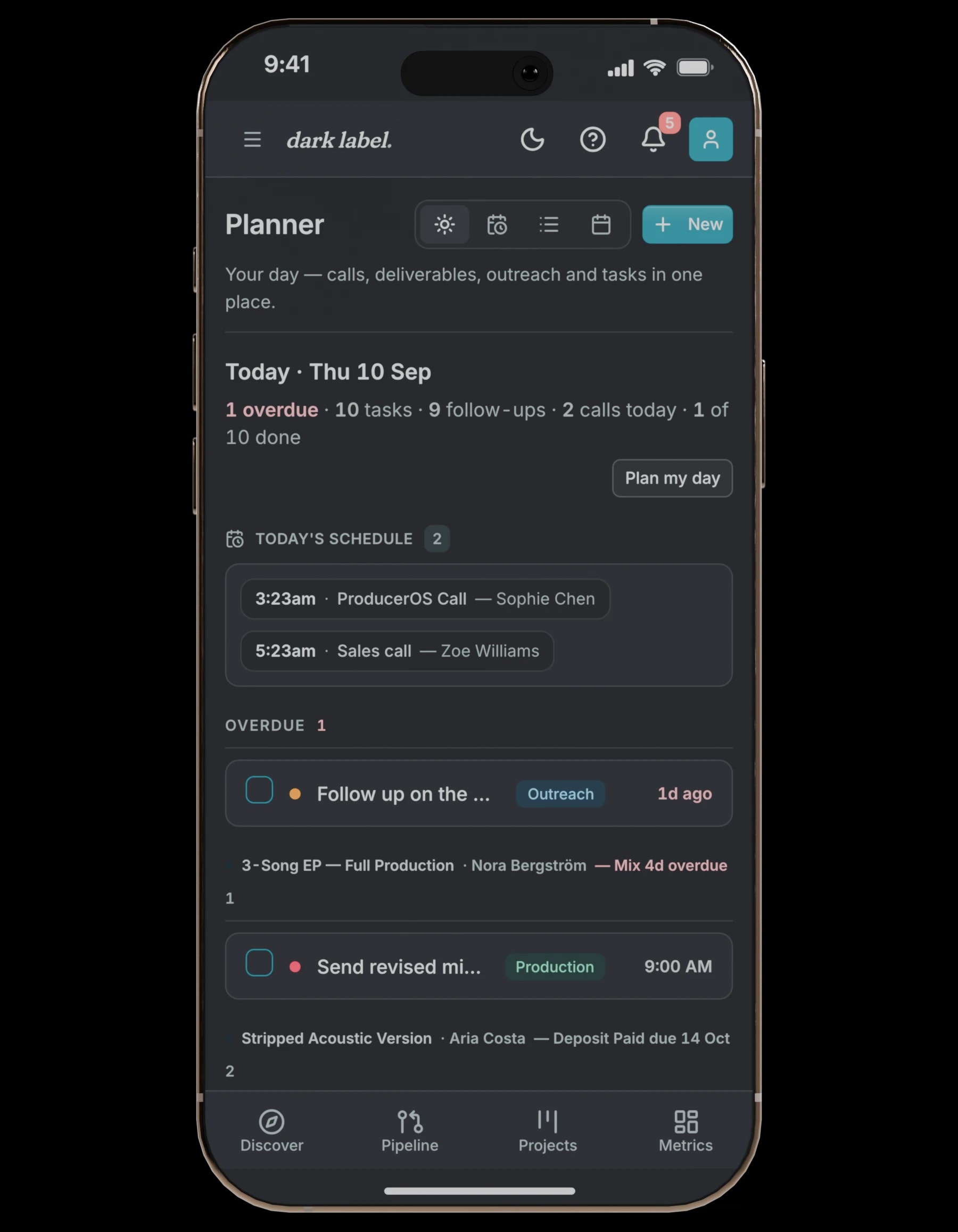
Today's calls, deliverables and follow-ups, in order
The planner lists today's calls, deliverables and follow-ups, overdue first. Metrics track close rate, pipeline value and forecast against your goals.
- Overdue first
- tasks past their date at the top
- Metrics vs goals
- what you won, what is open, what lands next
- Next moves
- pulled from the pipeline as follow-ups
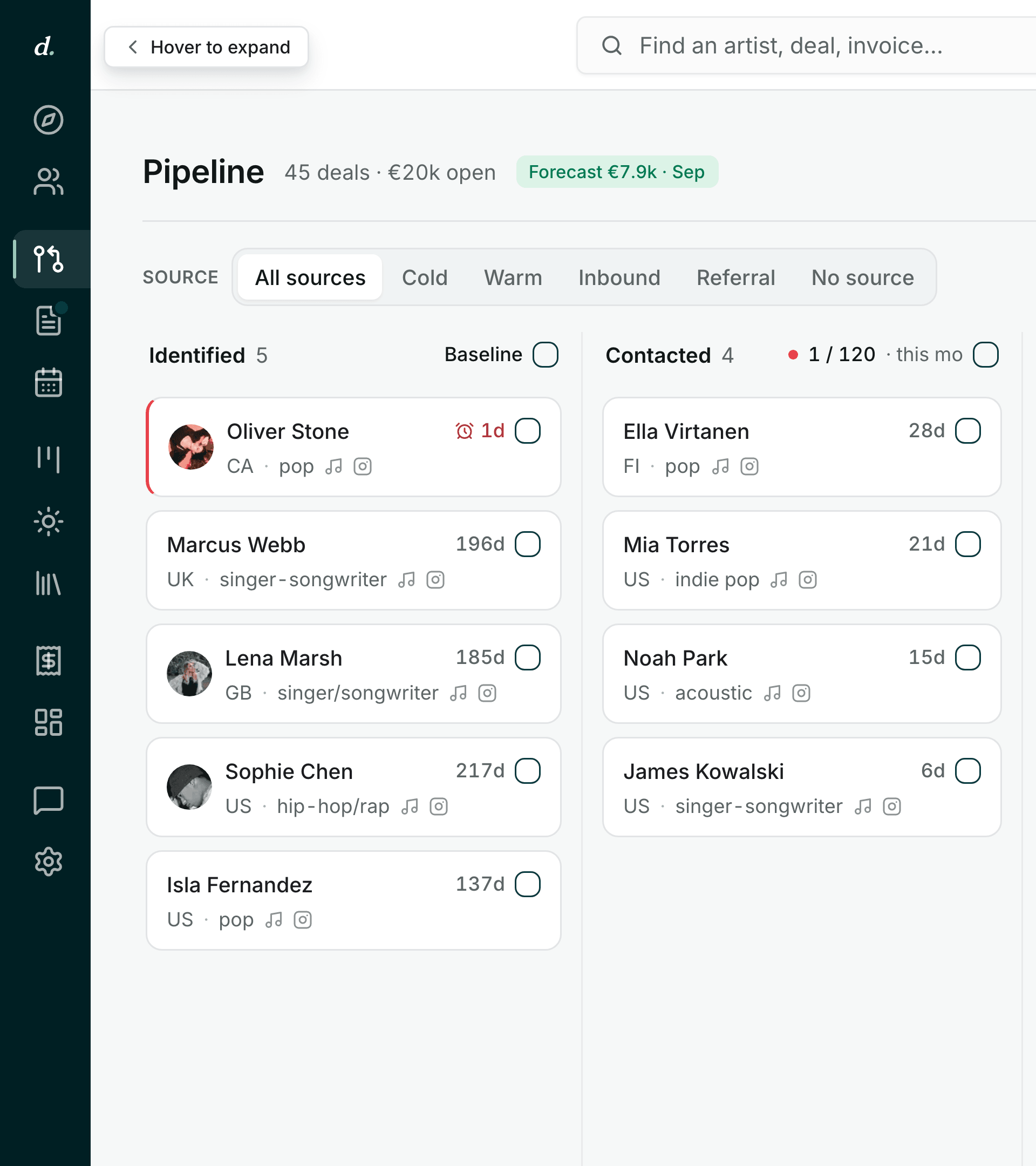
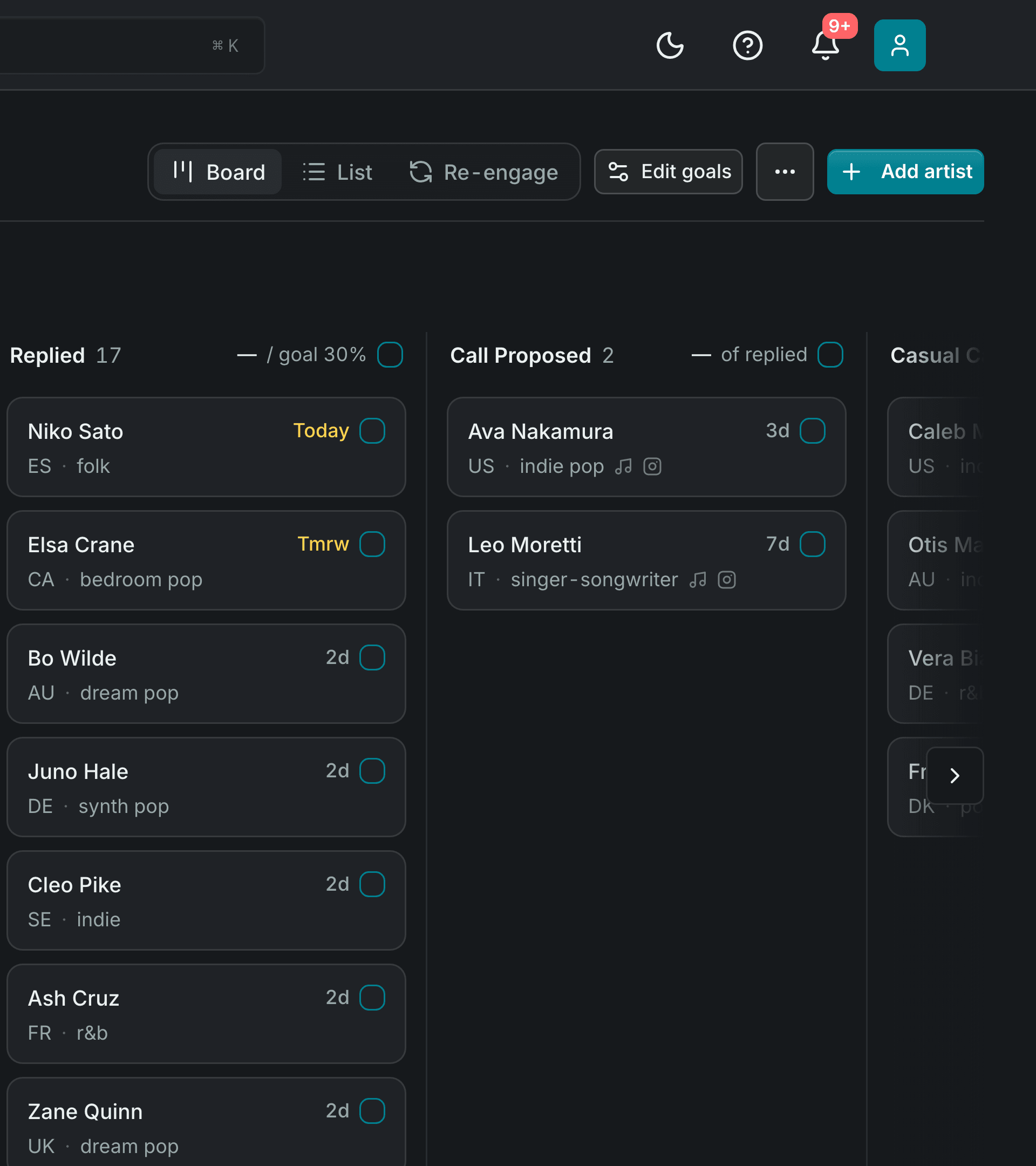
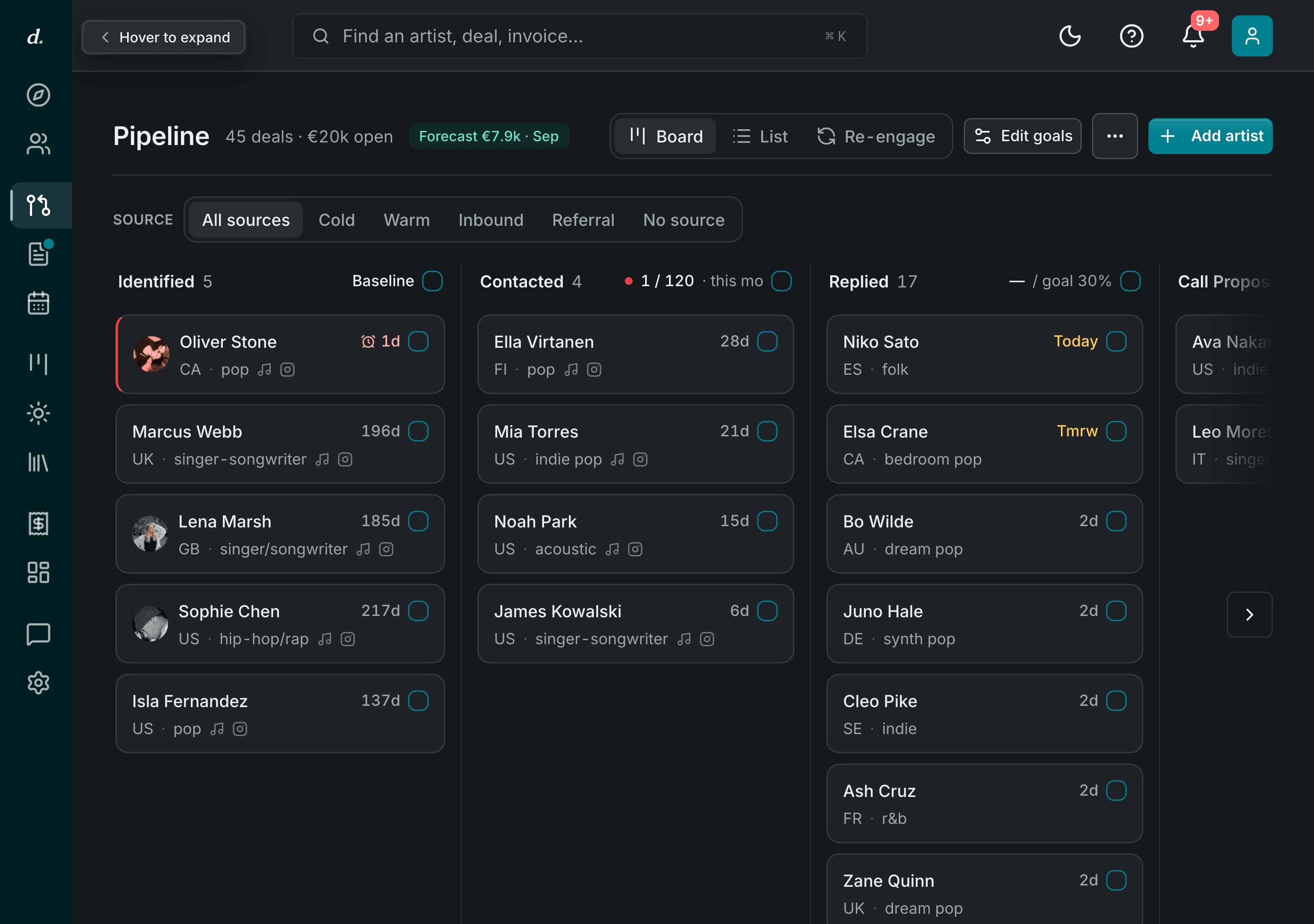
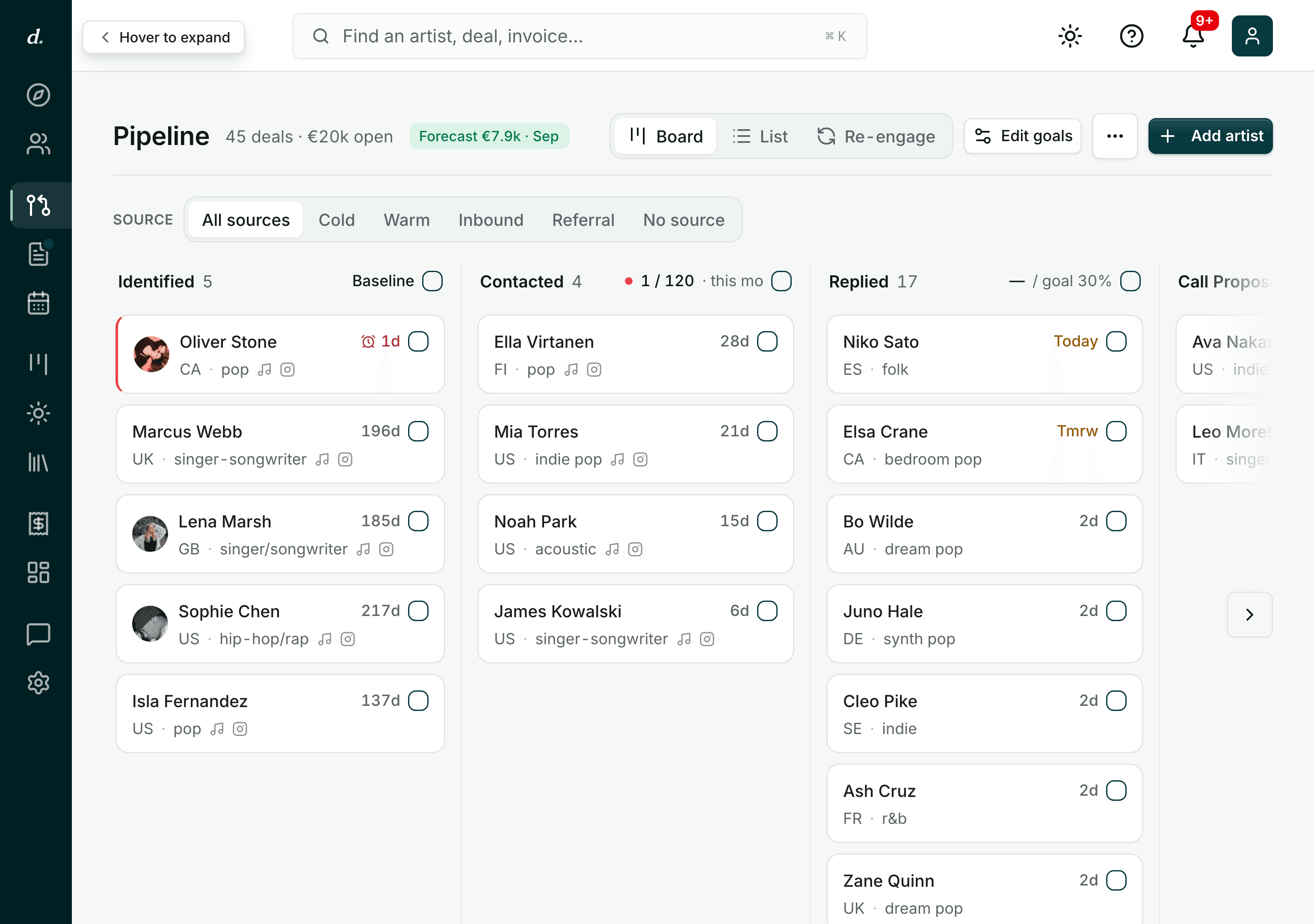
Light or dark
The same workspace at 2am
Every screen ships in both. One toggle in your settings, or follow whatever your machine is set to. Same board, same numbers, no second-class dark theme bolted on.
On your phone
The whole workspace, in your pocket
Check the board between sessions, clear follow-ups from the sofa and chase an invoice from the airport. Everything you send opens on your client's phone the same way: the pitch, the portal, the booking page.
- Your day
- everything due, at phone size
- The board
- every deal, one thumb away
- Their side
- pitches and portals open on any phone
The other side of the link
What your client sees
Everything above is your side of the workspace. This is theirs: the pitch they open, the mix they review, the call they book. All of it from a link, none of it needing an account.
The full workspace
What is in the workspace
Every module below is part of the programme. The ones marked Later are built in and turned on by our team.
Discovery Fit scoring, playlist import and similar artists inside the listener range you set.
Day oneArtists Profiles, contacts, socials, every touch, and a First message drafted for you to send.
Day onePipeline Stages, values, forecast, follow-ups and the re-engage view for lost deals.
Day oneForms and inbound Public forms with an enriched inbound queue that creates deals.
Day oneBookings and call rooms A booking page under your handle, a personal room with a permanent link, and a booking link copied from any reply.
Day oneRecording and transcripts Per-track recording, transcript and summary on every call.
Day oneStudio Stream Your session's own audio on the line, lossless. A macOS plugin, in beta.
Day oneProjects Deposit to delivery, deliverables, and whose move it is.
Day oneClient portal Files, talkback review, approvals and payments from one link.
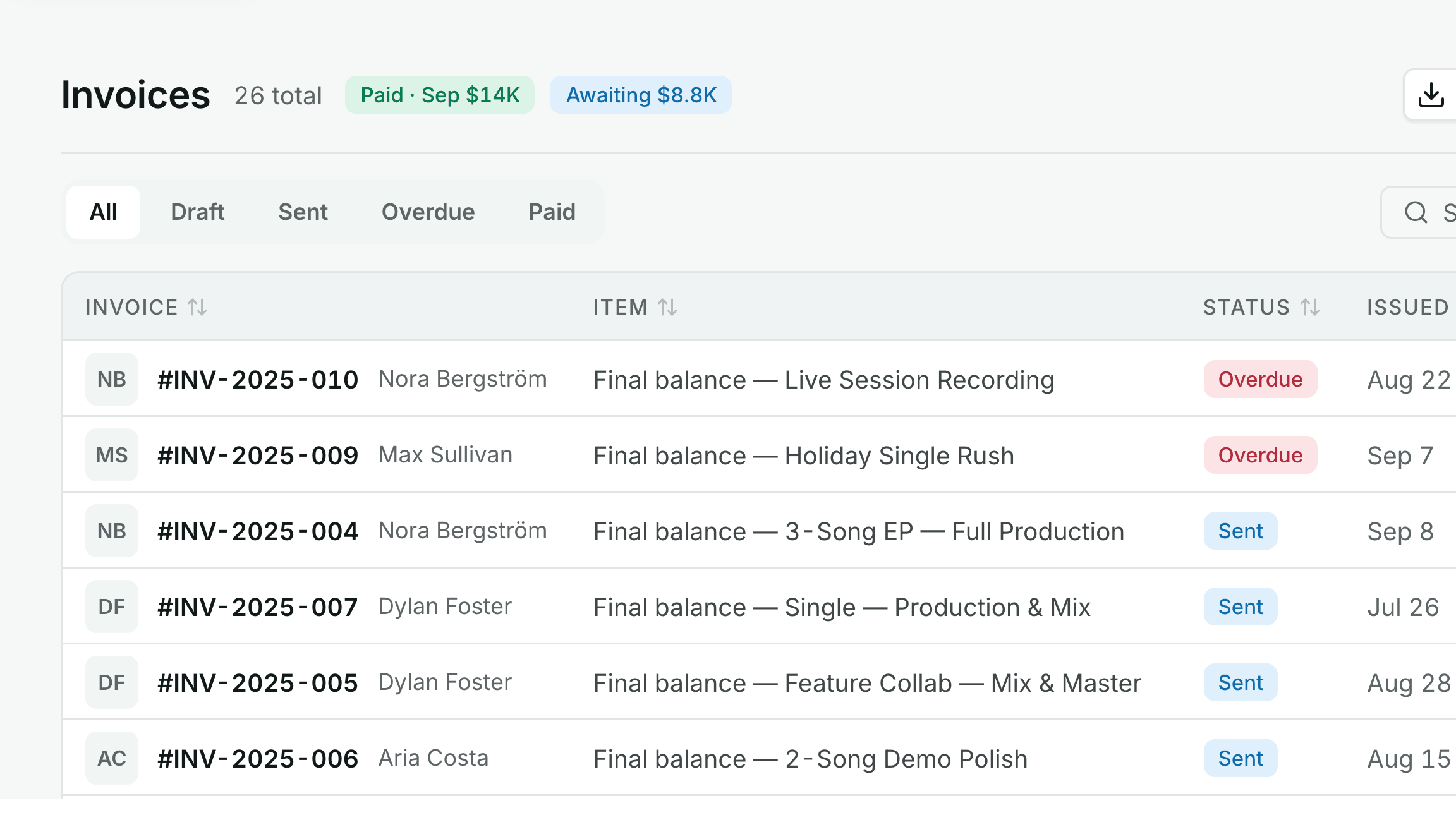
Day oneInvoices In the project's currency, part payments recorded, paid on your own Stripe account.
Day oneCatalogue Masters, listening pages per recipient and listening analytics.
Day onePlanner Everything due today, in the order it needs doing, beside your Google Calendar.
Day oneMetrics How the month is tracking against the goals you set.
Day oneGlobal search One box across artists, deals, projects, invoices, songs and forms.
Day oneEmail inbox Gmail threaded into the CRM, synced both ways.
LaterSequences Multi-step outreach campaigns.
LaterCalendar Workspace calendar with Google Calendar and Calendly sync.
LaterContracts and e-sign Proposals signed on a link, with an audit trail.
LaterCall intelligence Sales calls scored against a versioned rubric.
LaterAutomations and API Trigger and action chains, webhooks and a public API.
LaterCommunity Spaces, posts and discussion with other members.
LaterCourses The curriculum, with lesson homework ticked off from your own data.
LaterMessages Direct and group messages with members and coaches.
LaterCoaching A roadmap of milestones checked against your real numbers, with your coach.
LaterLeaderboard Points and badges for the actions that move deals.
LaterCatalogue royalties Royalty statement imports, streams and earnings per song.
LaterPaid downloads Charge for downloads on catalogue share links.
Later
- Every touch on the record
- Calls, messages and deals land on the artist's record, so your history grows with every client.
- Your data, your workspace
- Each workspace is isolated, with roles from viewer to owner and an audit trail on the actions that matter.
- Your money never rests here
- Clients pay on your own Stripe account. Payouts land in your bank, not a platform balance.
Member wins
Recent wins from members
“Here is a nice win and a cool scaling type of win. I recently got my second client/booking from StudioBook. The second client/booking, I closed a $28,000 album deal using DL techniques. As many of you know, I started…”
“Hey everyone! I just wanted to share a few wins I've had in the past few weeks or so which I'm proud to have achieved with the help of Dan and DLM! I've bagged 2x 5 track EP's with two new artists, which I'm in the…”
“Just tried for the first time to pitch the momentum model to an old client, and it worked great! We locked 1 song/2 month for $700/month for at least until the end of 2026. New strategy unlocked 🔥”